
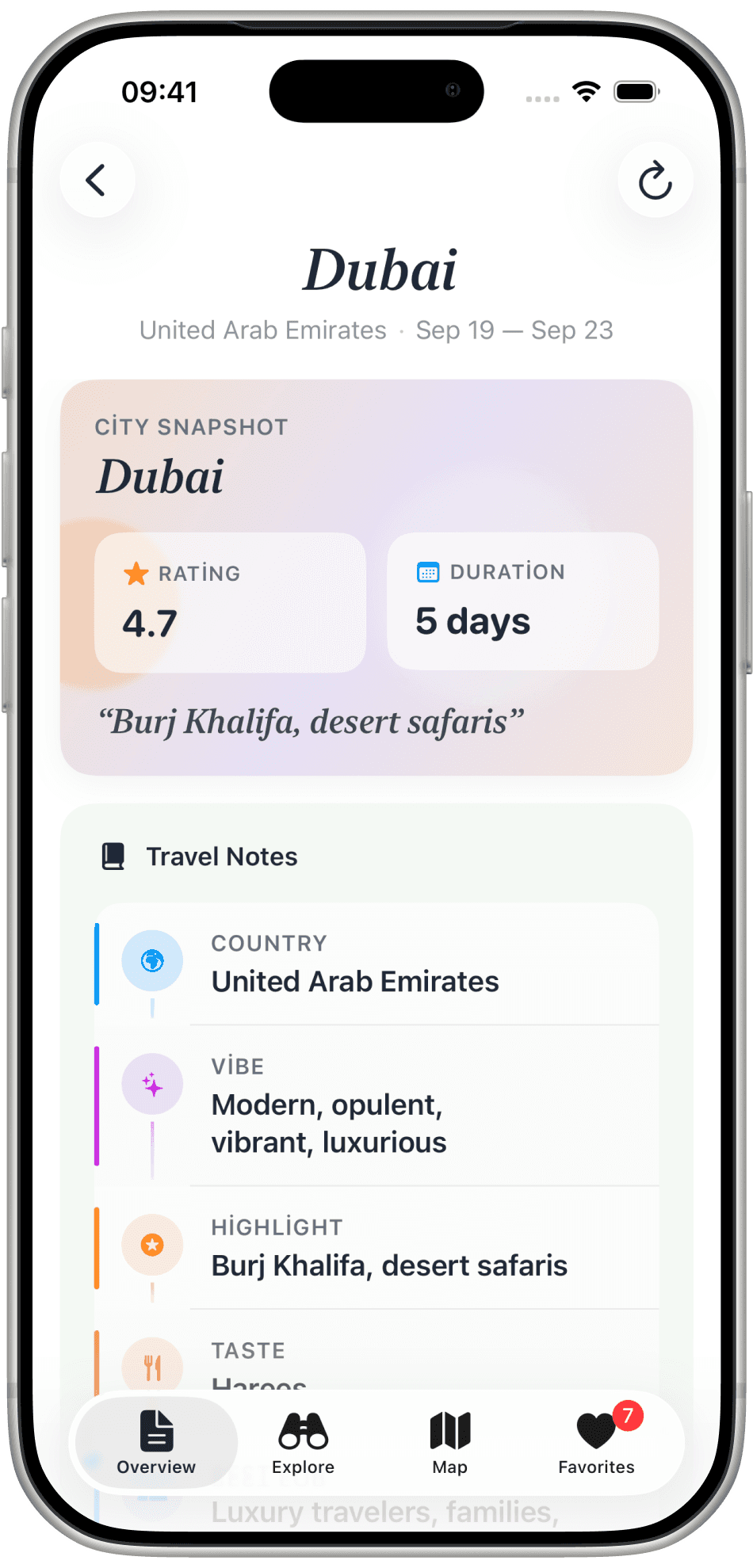
The notes
City Snapshot for Dubai: 4.7, five days. Travel Notes cover the country, the vibe, the highlight, the taste, and who it suits.

Your Journeys holds the trips you have. Design Trip asks for a city and two dates, then Generate Itinerary fills in the rest.
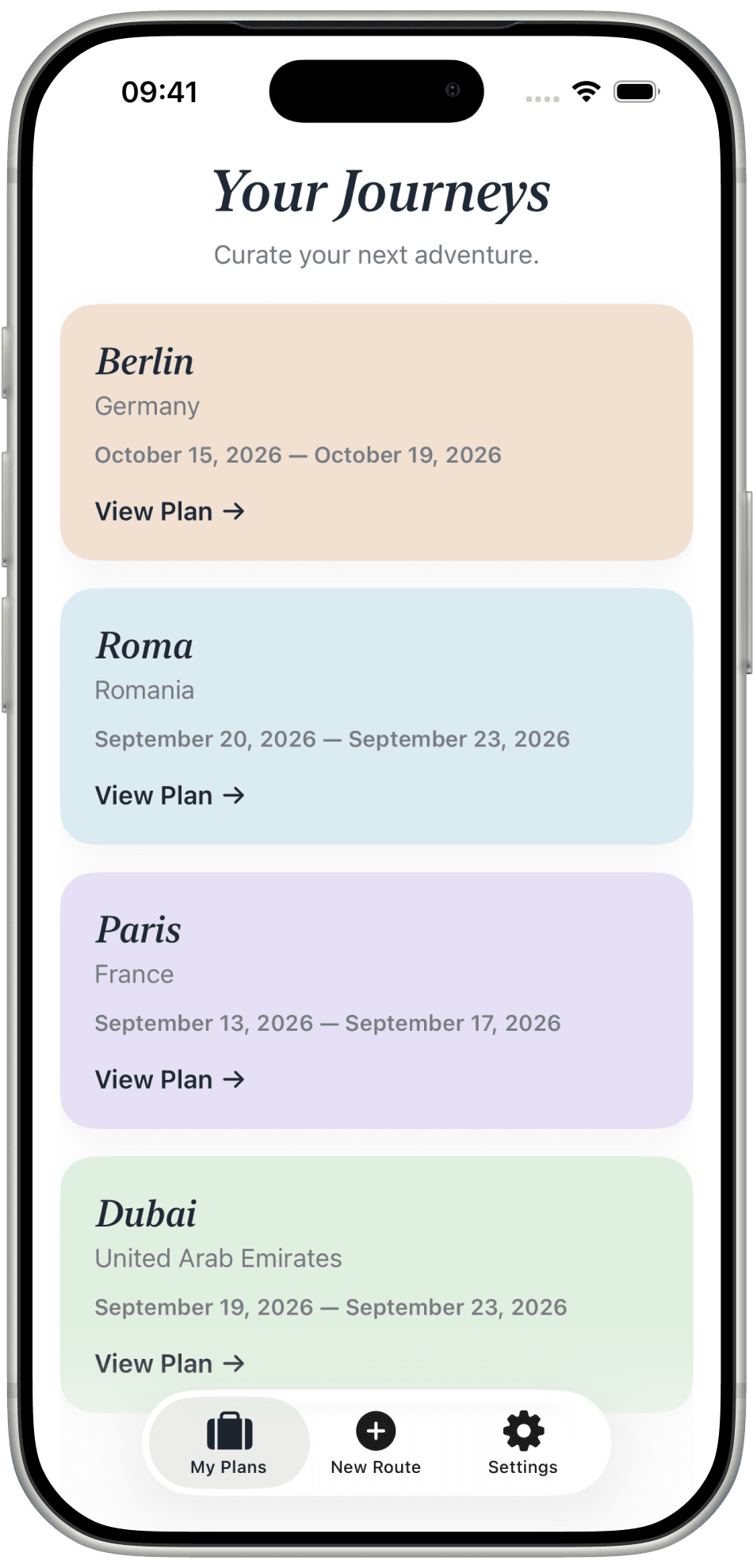
Planning a trip usually means twenty tabs, a notes app, and a map full of pins nobody else can see.
Journi asks for a city and two dates, then hands back a plan you can walk: the snapshot, the weather, the places, and the map.
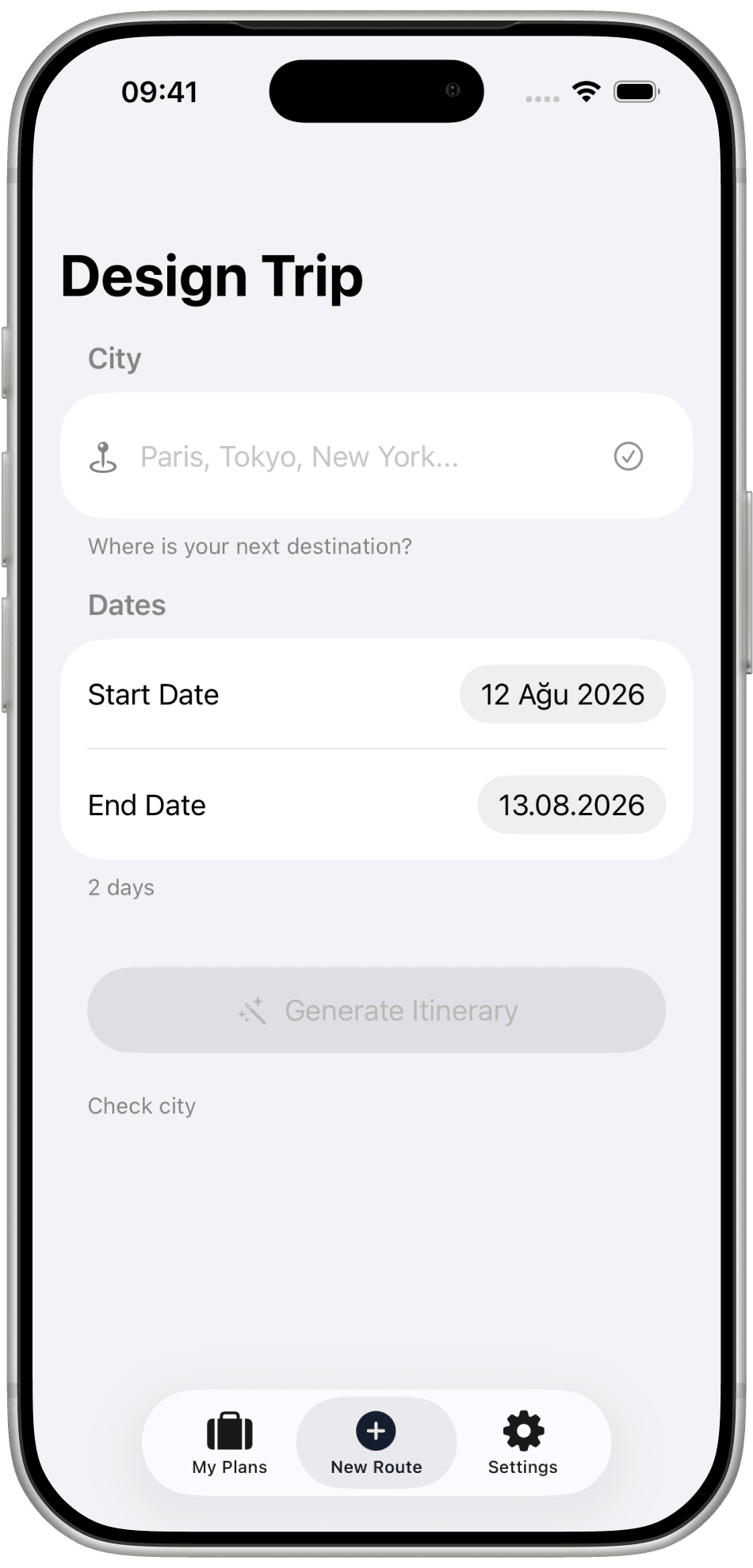
Design Trip
Type Paris, Tokyo, New York. Set a start date and an end date. The form is that short on purpose. Generate Itinerary writes the days.
Overview
Rating, how many days, travel notes, and the weather for the dates you picked — all on the Overview tab.
City Snapshot for Dubai: 4.7, five days. Travel Notes cover the country, the vibe, the highlight, the taste, and who it suits.
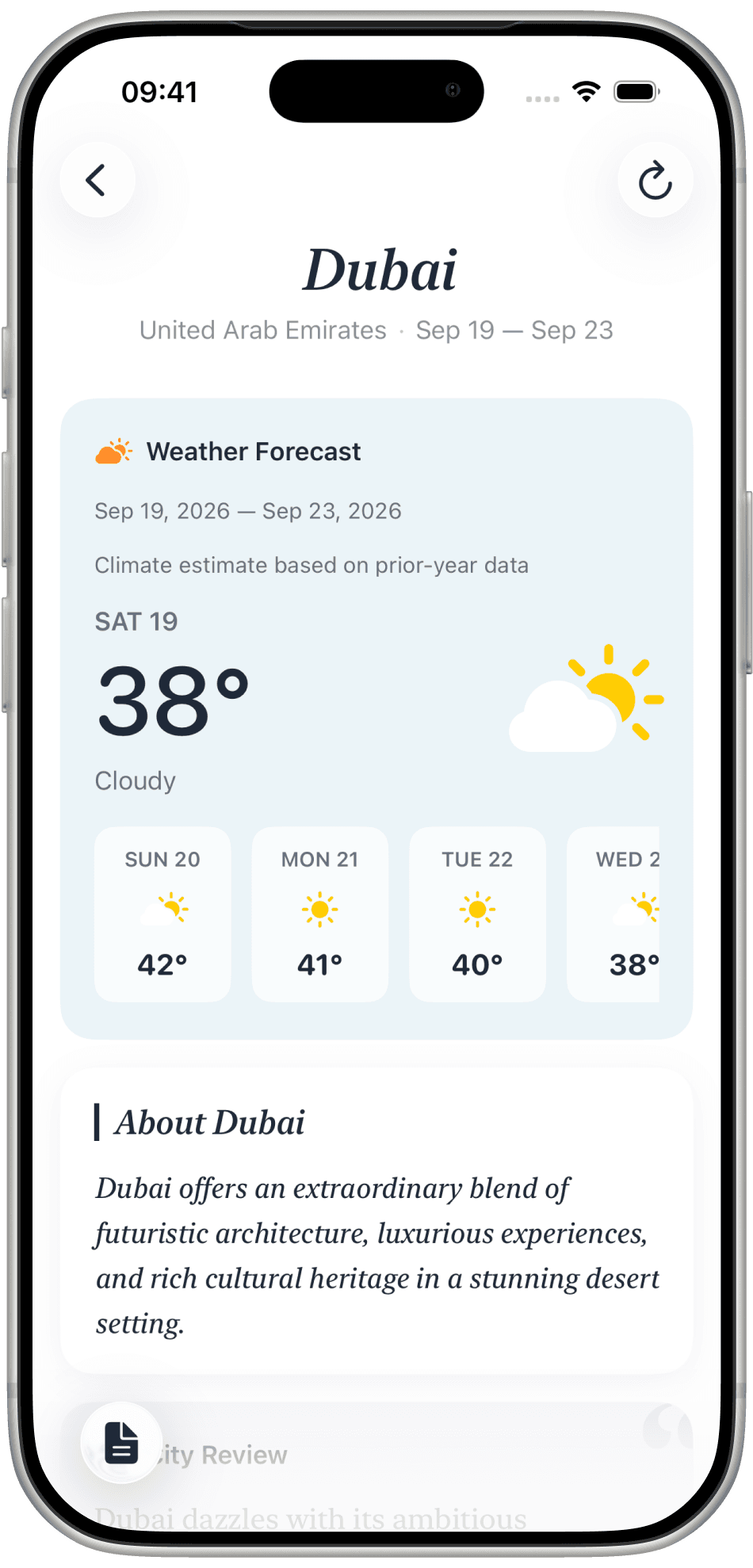
Weather Forecast shows each day of the trip — 38°, cloudy, then hotter — as a climate estimate from prior years, not a guess from nowhere.
Explore
Places are sorted the way a day is actually spent. Each card has a photo, a rating, and a reason to go.
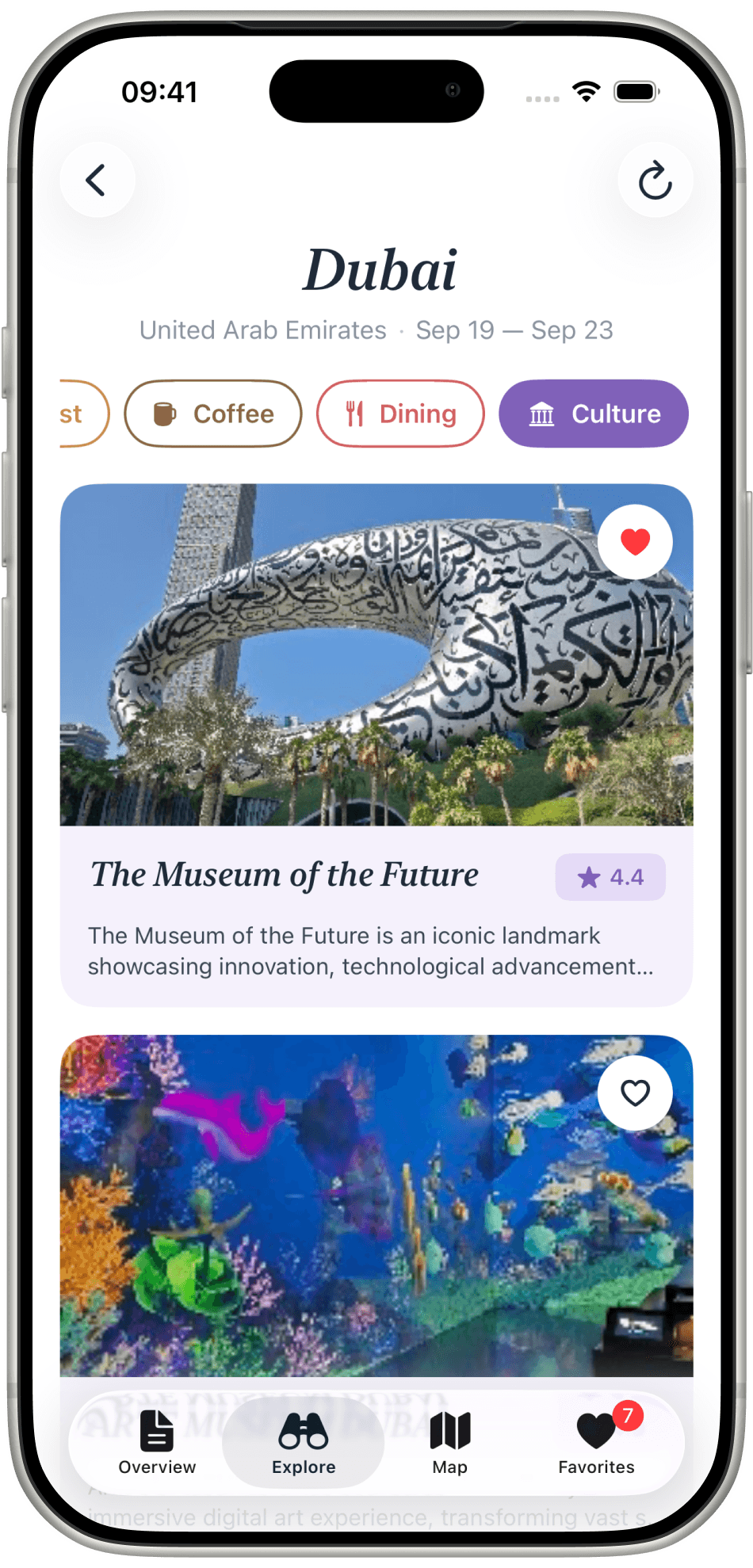
Filter by Coffee, Dining, or Culture. Open The Museum of the Future and you already know the rating before you read the rest.
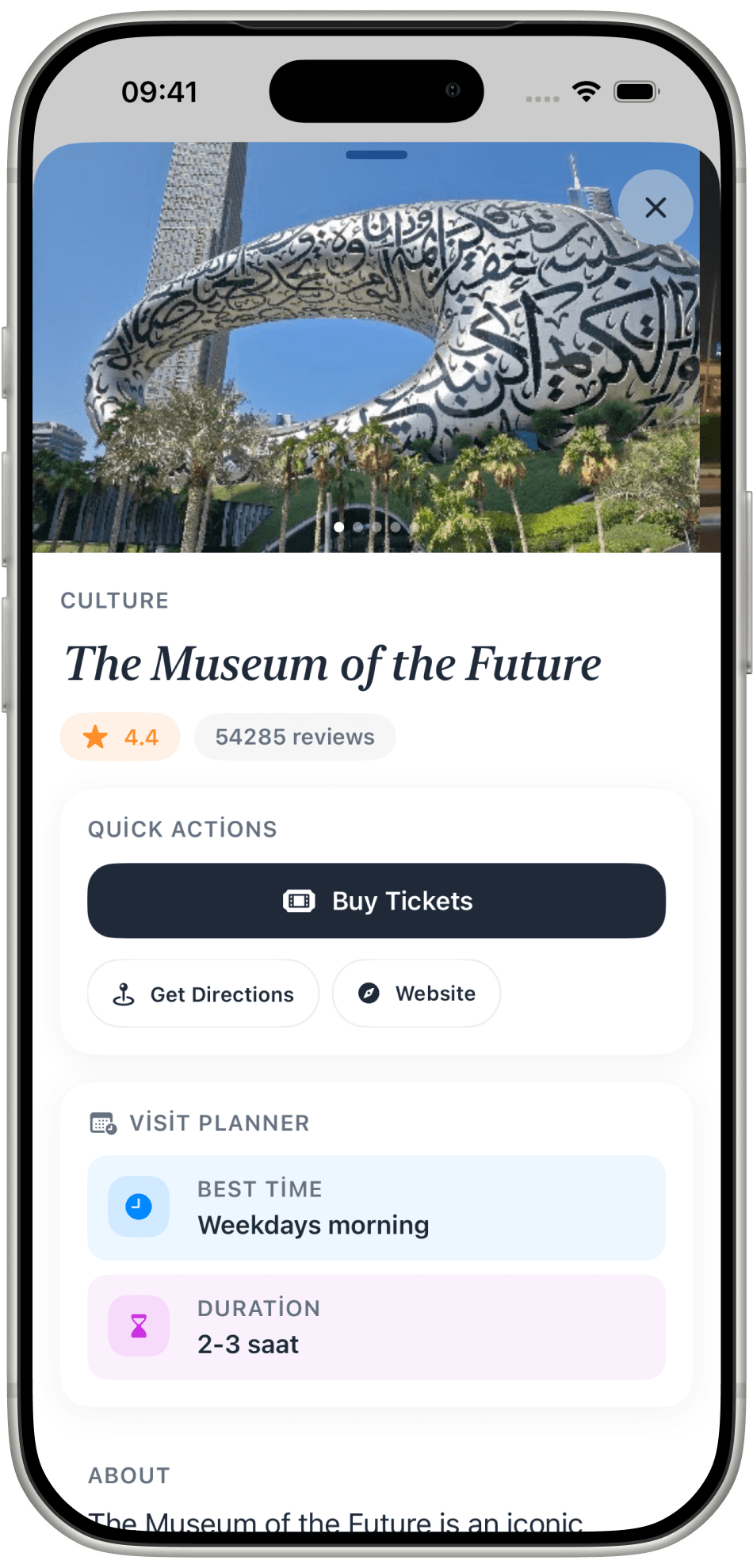
Buy Tickets, Get Directions, Website. Visit Planner tells you the best time and how long to give it — weekdays morning, two to three hours.
The map
One map for the whole trip. Filter by All, Favs, or Breakfast. Tap a pin to open the place or go straight there.
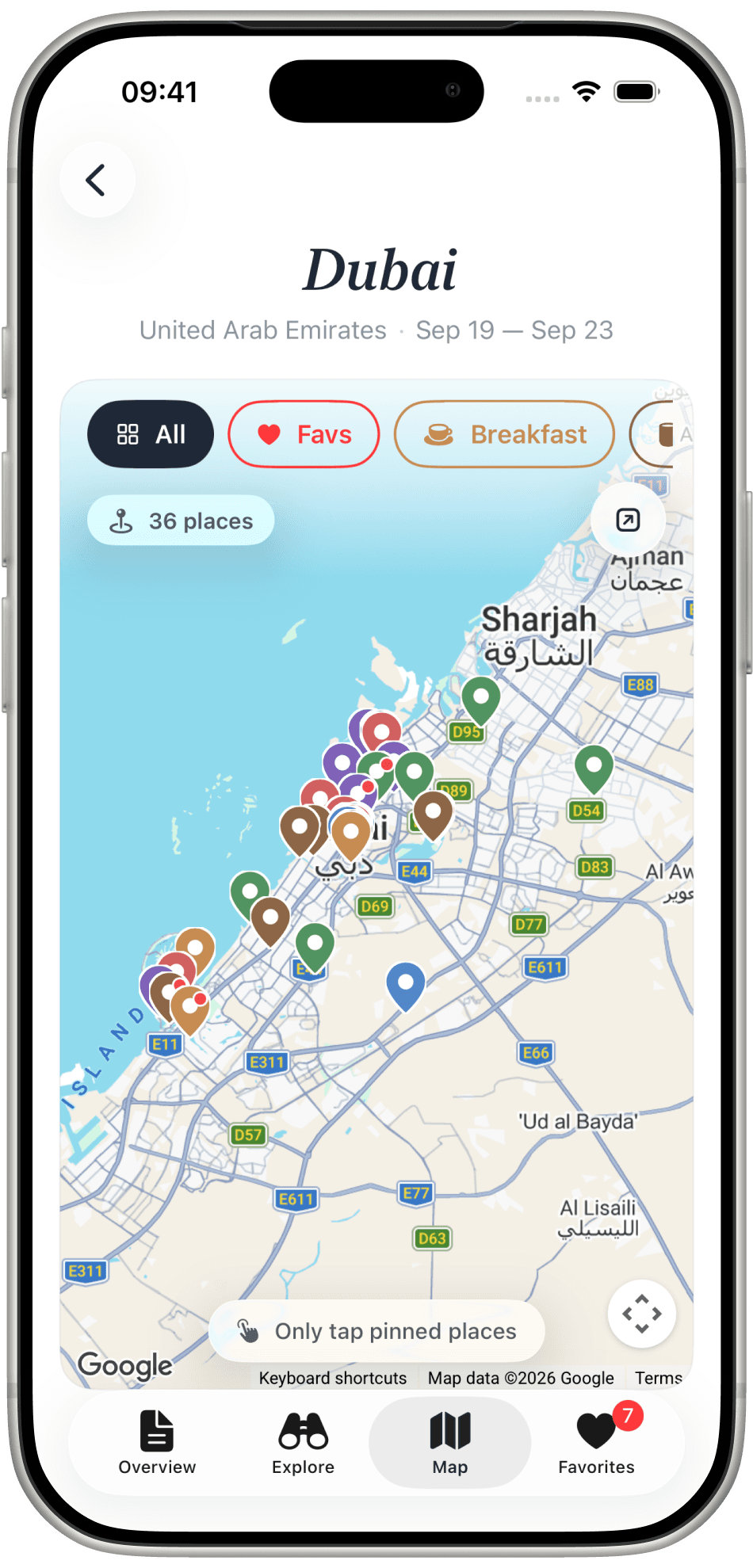
Thirty-six places on one screen, colour-coded by category. Only tap pinned places — the map tells you that itself.
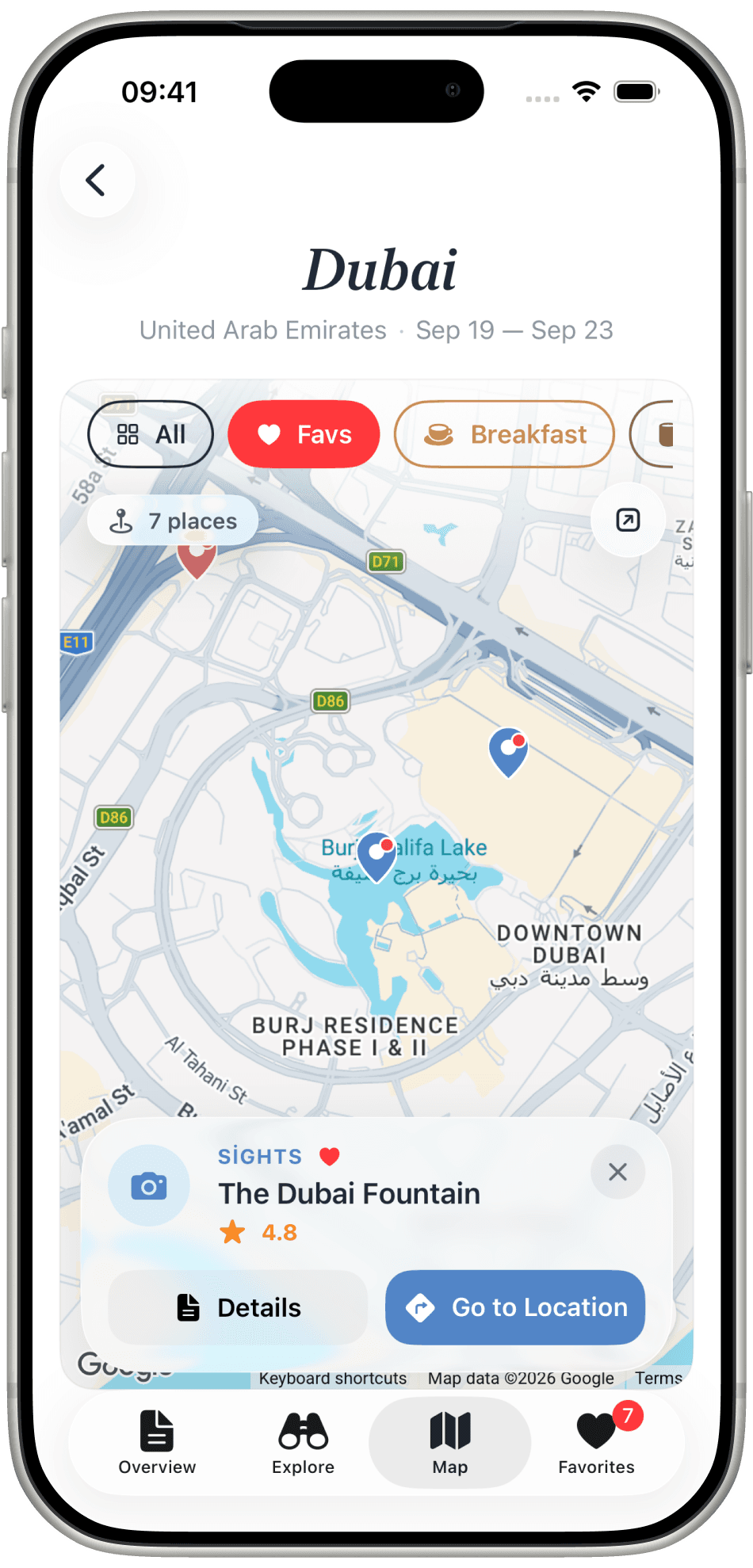
The Dubai Fountain opens as a card: Sights, 4.8, Details, and Go to Location. Close it and the map is still yours.
Favourites
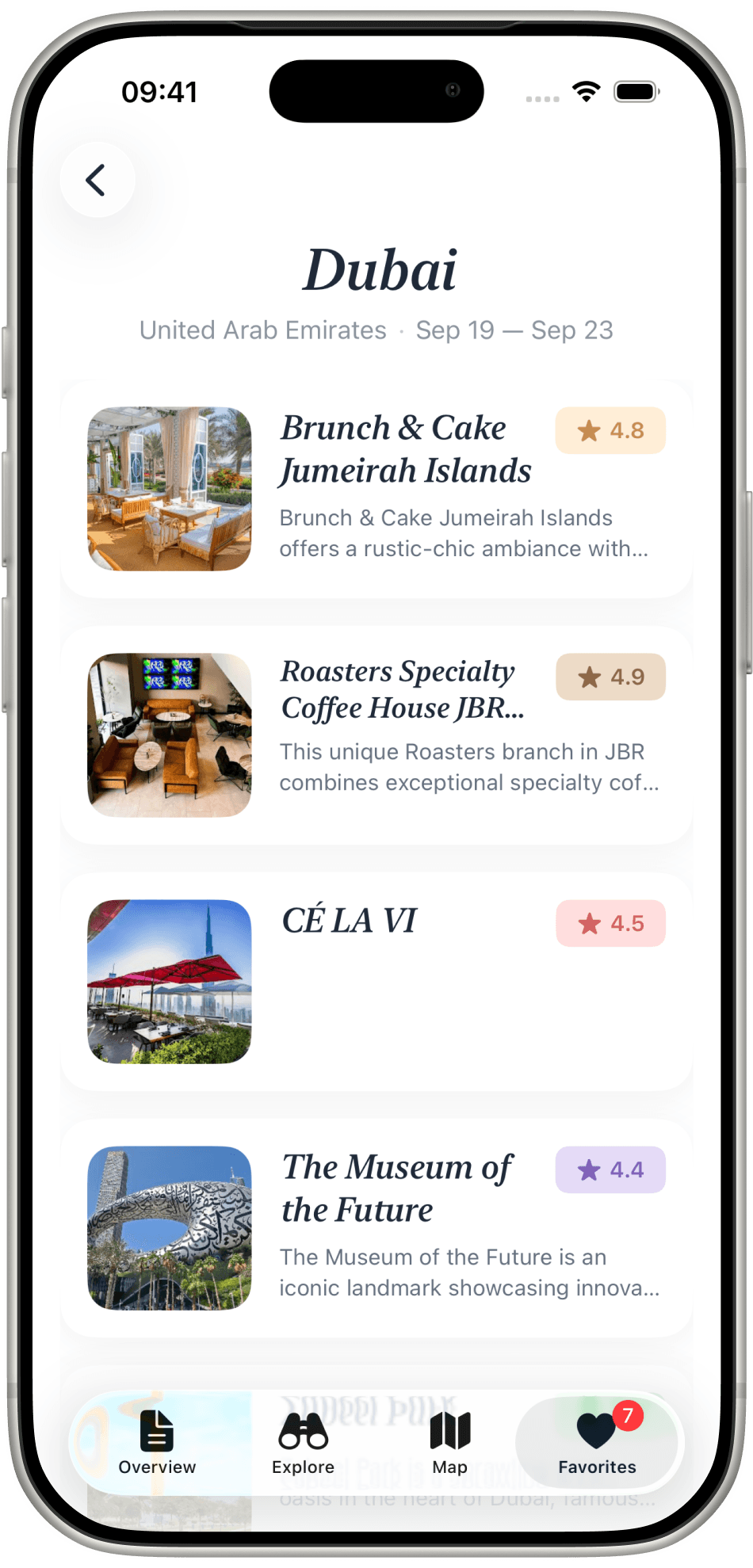
Heart a place in Explore and it lands here — brunch, coffee, a rooftop, a museum — each with its rating. The plan narrows to what you chose.
How it stays simple
A city and two dates. Generate Itinerary does the asking you would have done across twenty tabs.
Overview, Explore, Map, Favourites. Every place lives on the same map, not across a dozen saved links.
Breakfast, coffee, dining, culture. The filters match the way a day is actually spent.
Journi is on iPhone. Free to start, no account needed.